UNIVERSITY OF COLORADOatlas archive
Creating a platform for students to share their creative work at the Atlas Institute of CU Boulder
Role
Fullstack developer, UX researcher, UI designer
Skills
React, Node.js, MongoDB, HTML, CSS, JavaScript, wireframing, prototyping, user testing
Context
College year-long capstone project, completed independently
Overview
Atlas Archive is a full stack web development and UX design project created as my Senior Capstone project. The goal of the app is to provide a place for students within the Atlas program at CU Boulder to share creative projects produced in the program. It also serves as a running database for the Atlas Institute to catalog all projects their students have created.
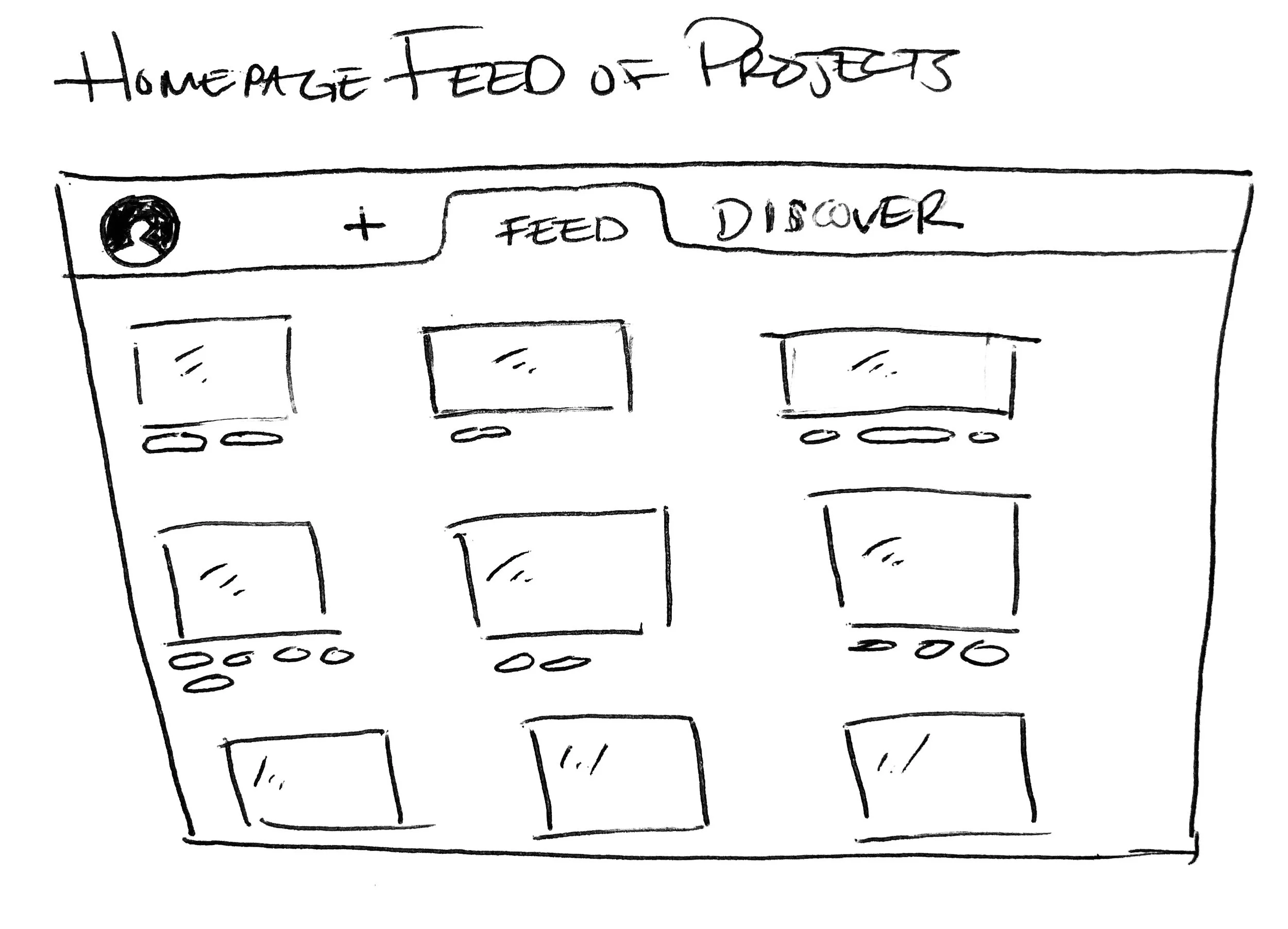
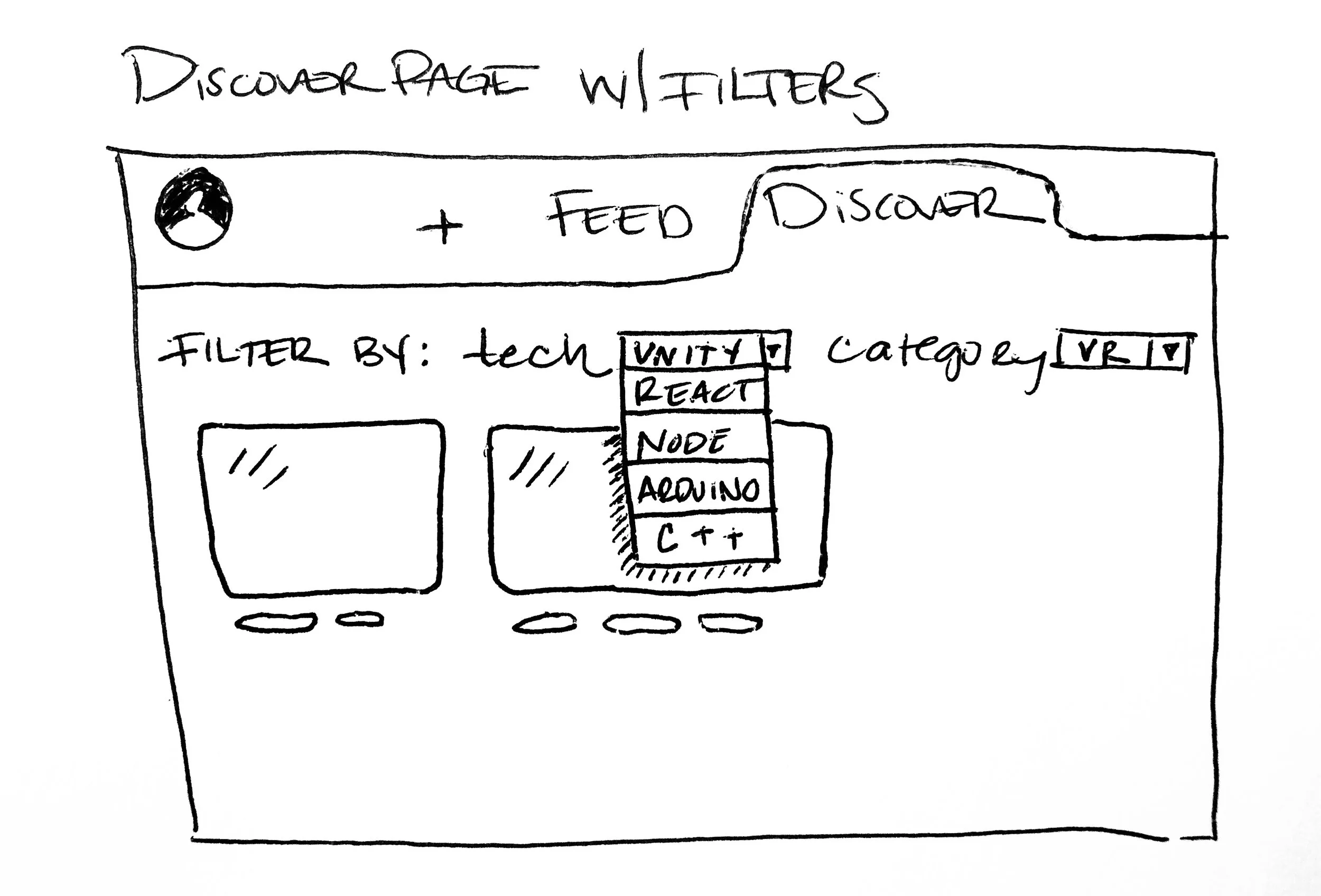
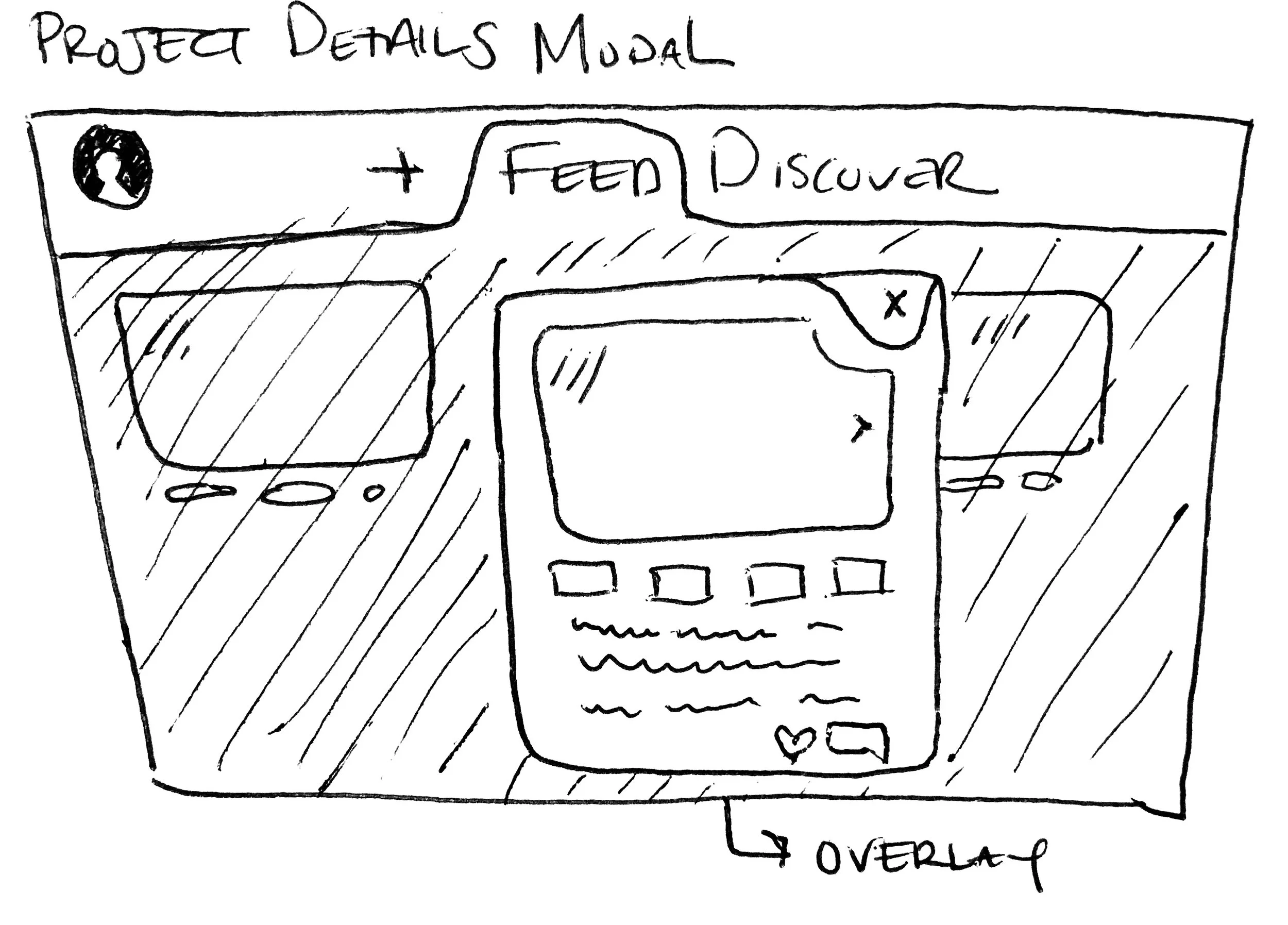
Sketches
Mockups
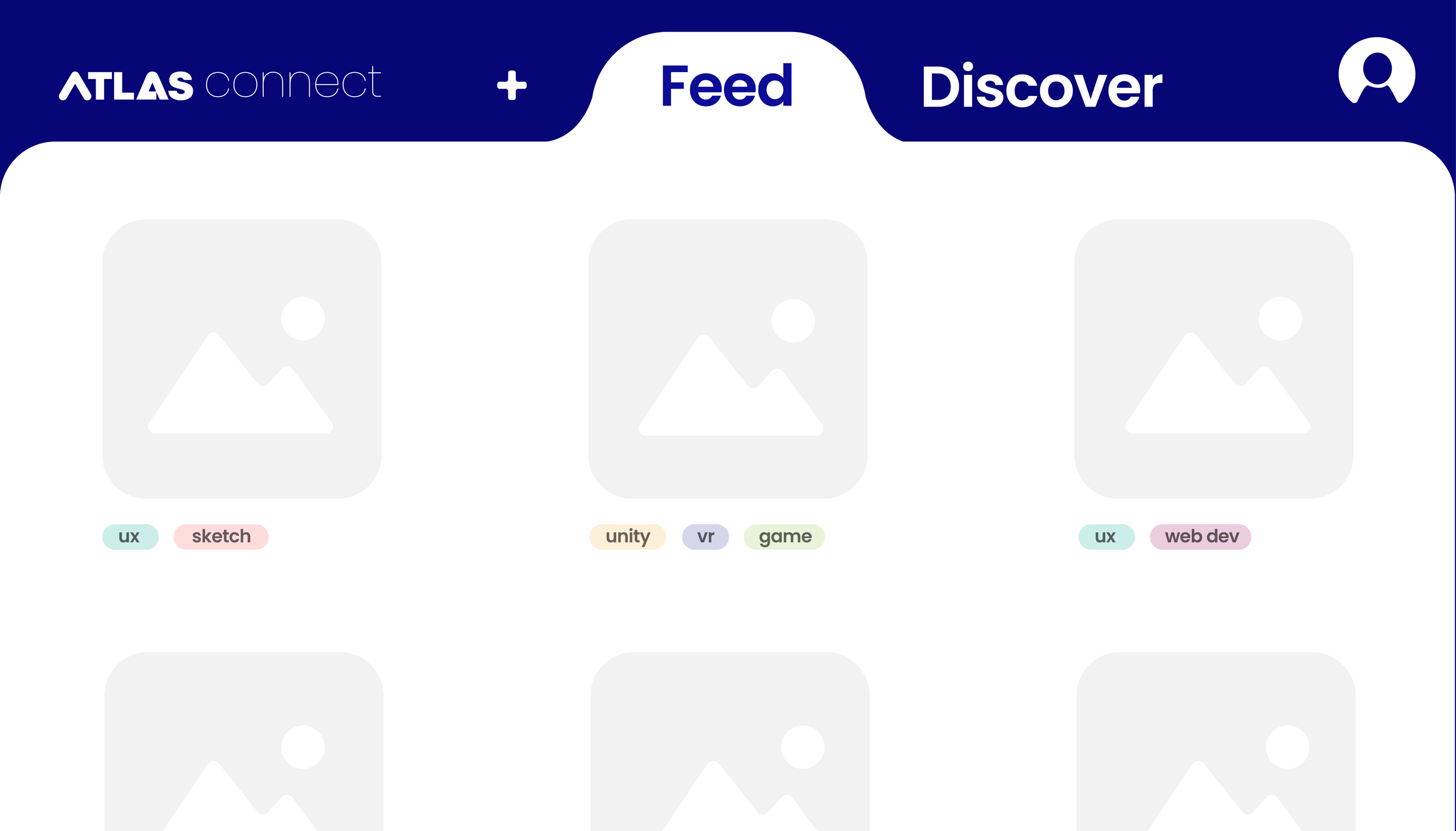
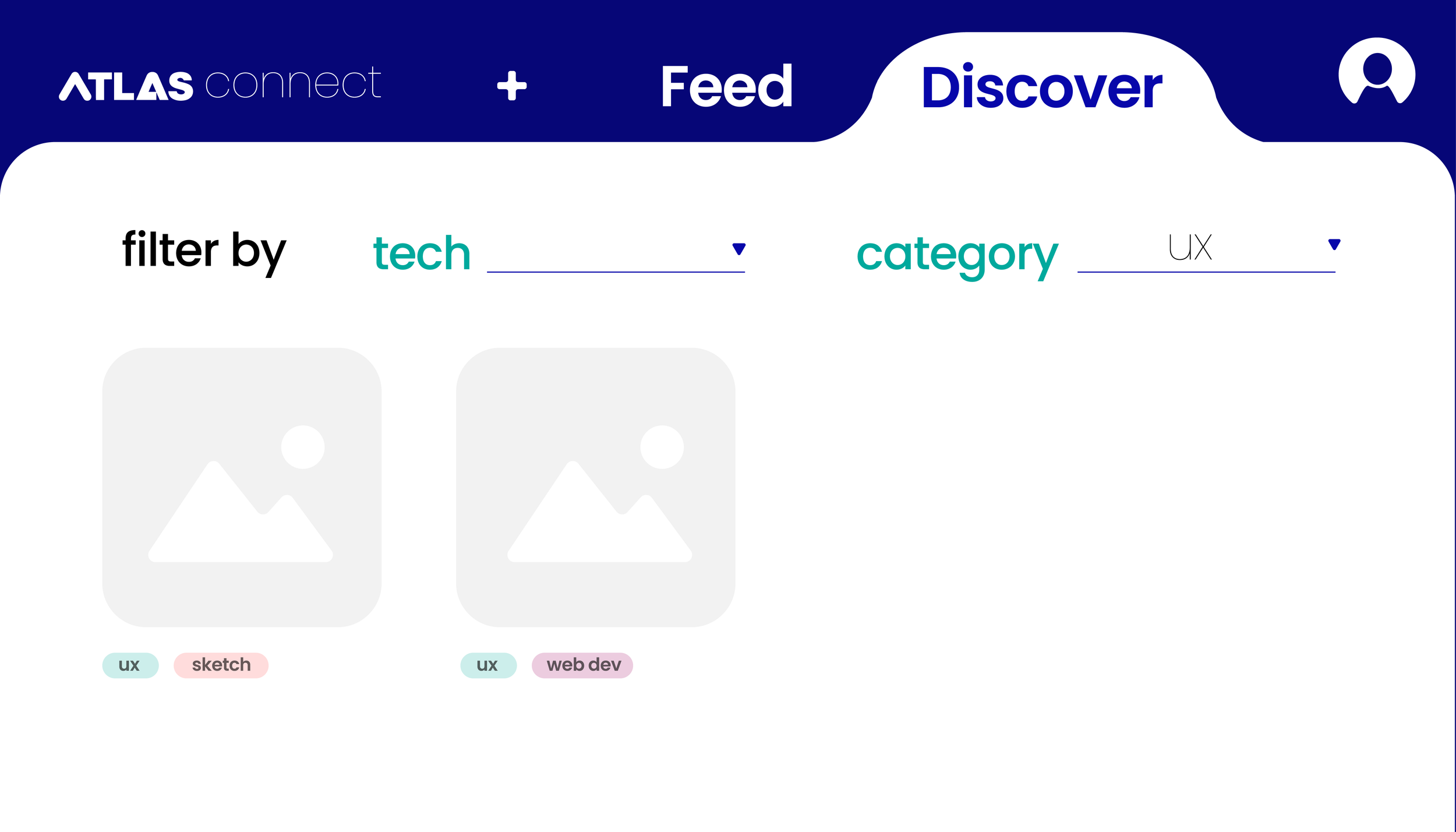
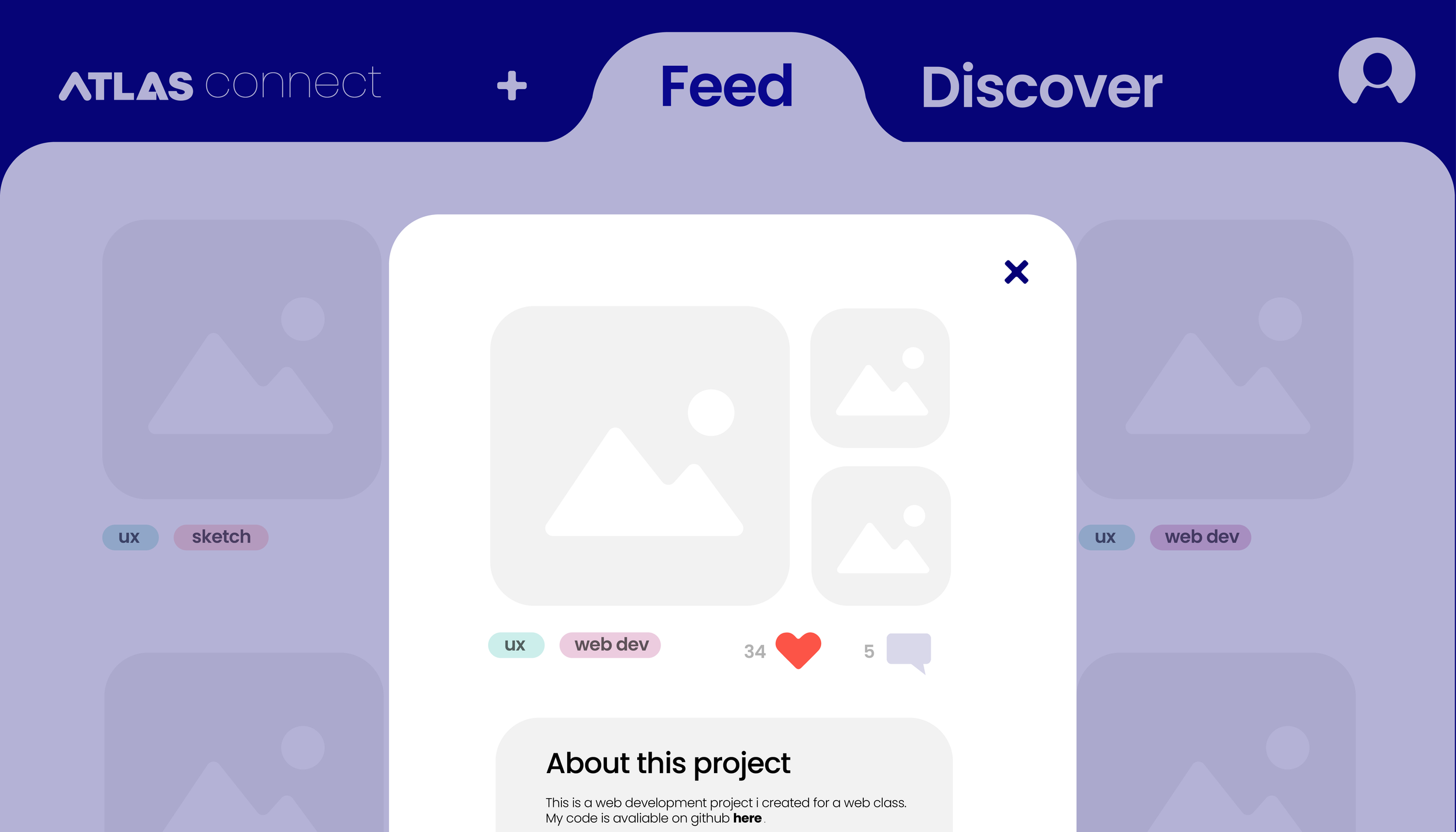
early wireframes: https://kylefaucher.wordpress.com/2019/12/11/capstone-look-feel-prototype/
Background
Atlas Archive is a full stack web development project created for my Senior Capstone project. The goal of the app is to provide a place for students within the Atlas program at CU Boulder to share creative projects produced in the program. It also serves as a running database for the Atlas Institute to catalog all projects their students have created.
The app uses a core tech stack of React, Node.js, Express, and MongoDB. The database is hosted on GCP using MongoDB Atlas, and the application is deployed and hosted using Heroku.
A web app for Atlas students at CU Boulder to share their projects, see others’ projects, and learn from each other, serving as both a database of projects created within the Atlas program, and a platform for building community.
Final Product
Atlas Archive is a web-based platform that allows students to create an account and post images and descriptions of their projects. This addresses the need for a system for documenting and sharing student work.
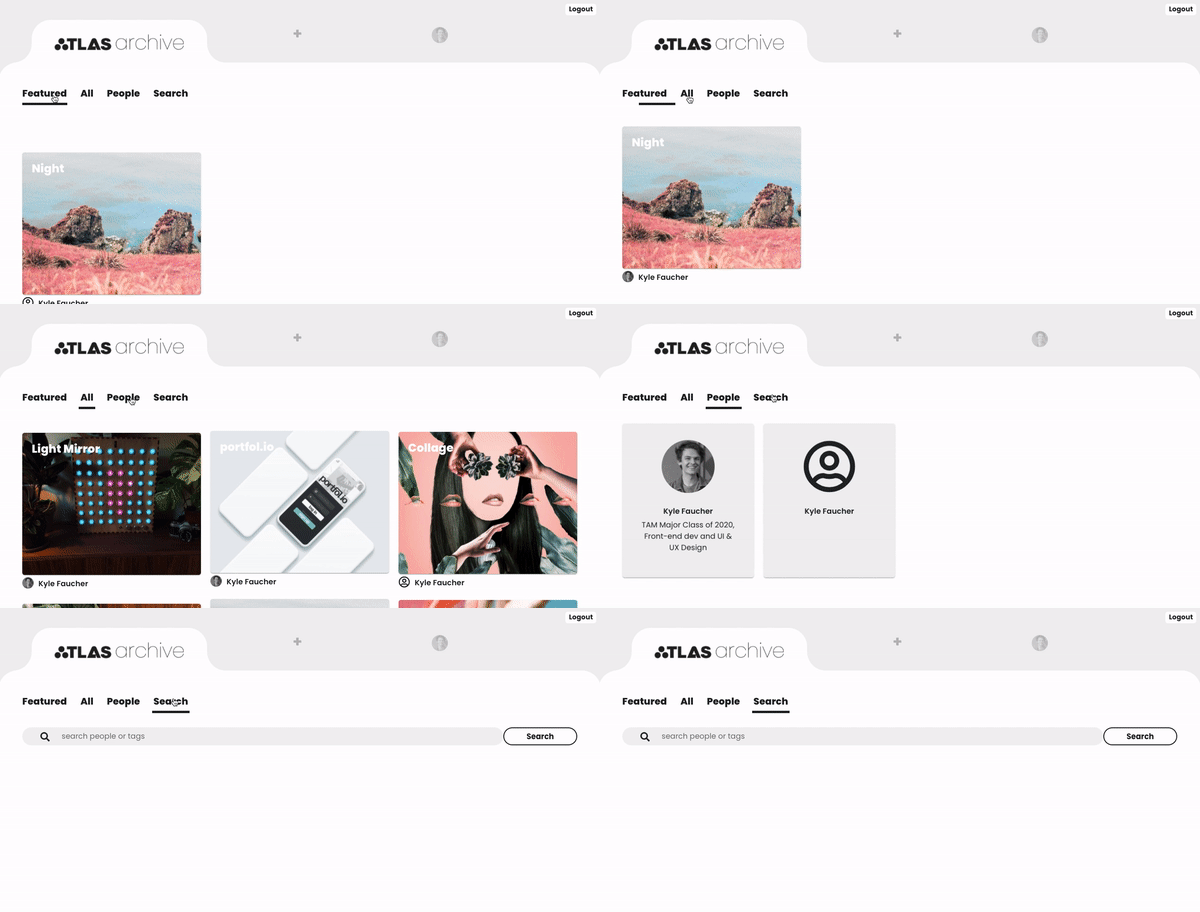
Discover Page
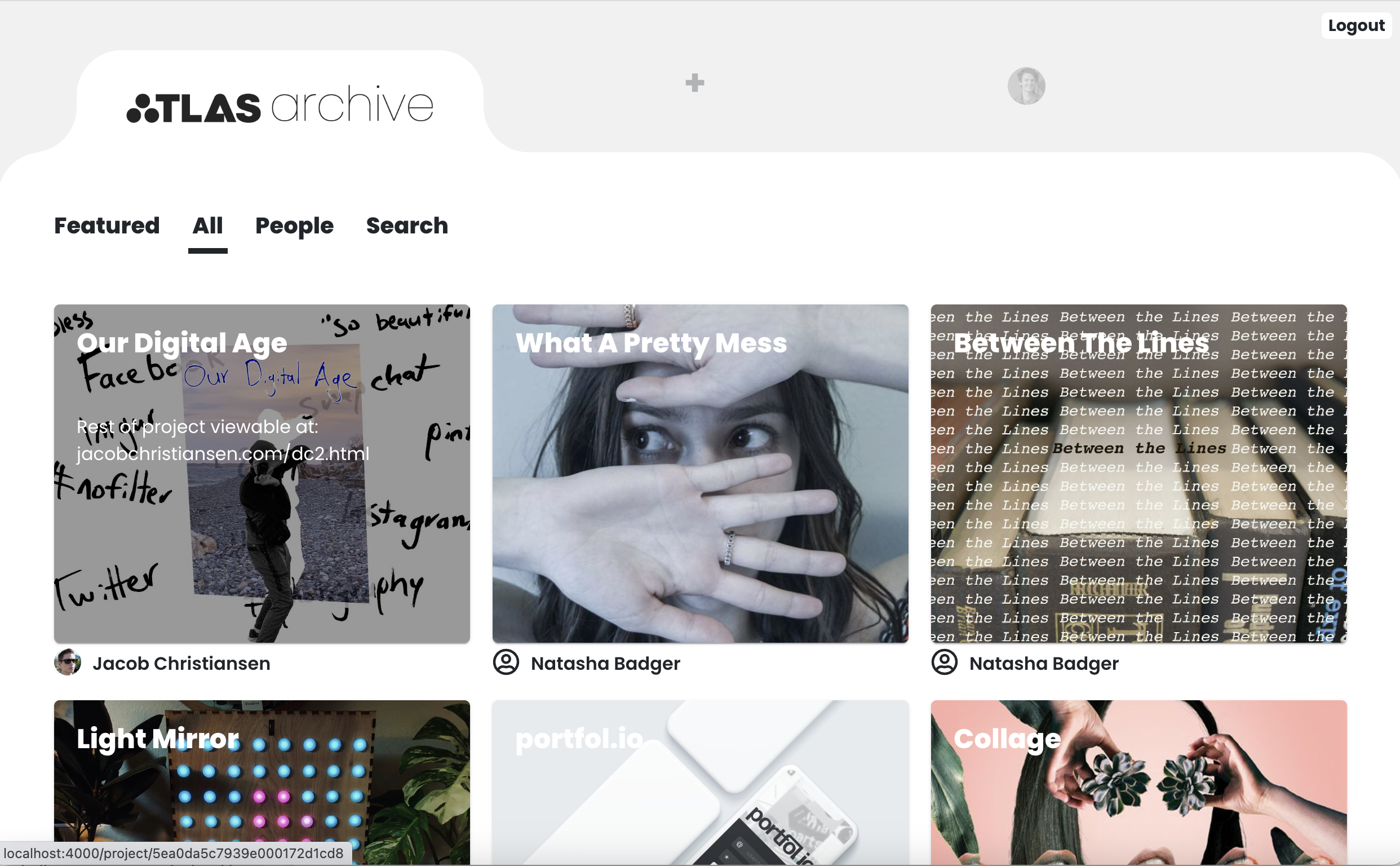
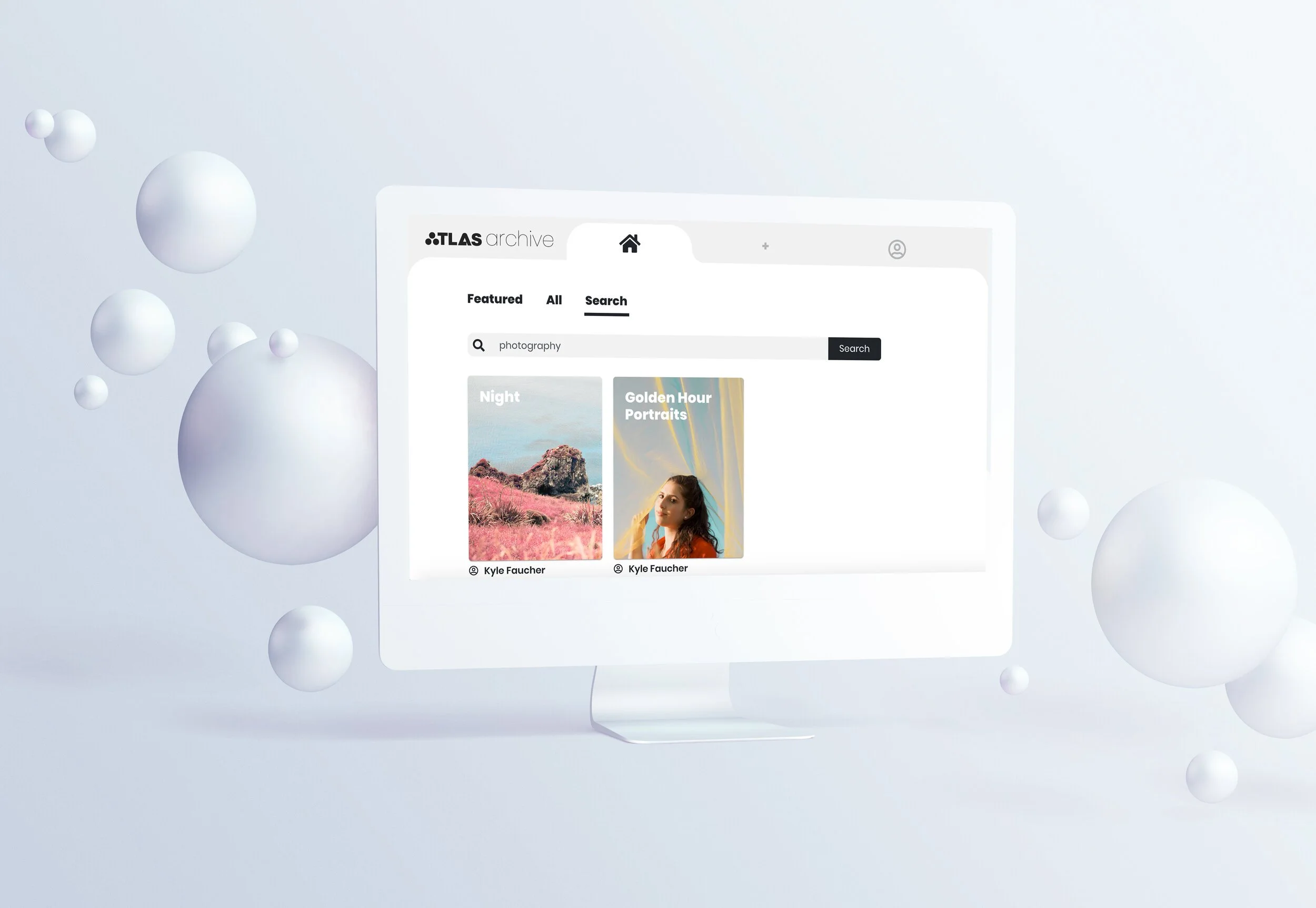
The homepage of the site is a discover page, allowing students to view the projects that have been posted. This is due to user research indicating that the platform would be most useful for consistently keeping up to date on what projects other students are working on, or to get inspiration for their own projects
Within this page are four tabs to allow users to filter and interact with the projects
Featured
A curated list, which allows Atlas faculty to choose projects to feature on the main page
Search
Find projects by title or associated tags. Find other users by name
People
A list of all students who have created accounts on the site, allowing users to find their classmates and view their projects
All
All projects on the site, ordered by most recently posted
Project Details Page
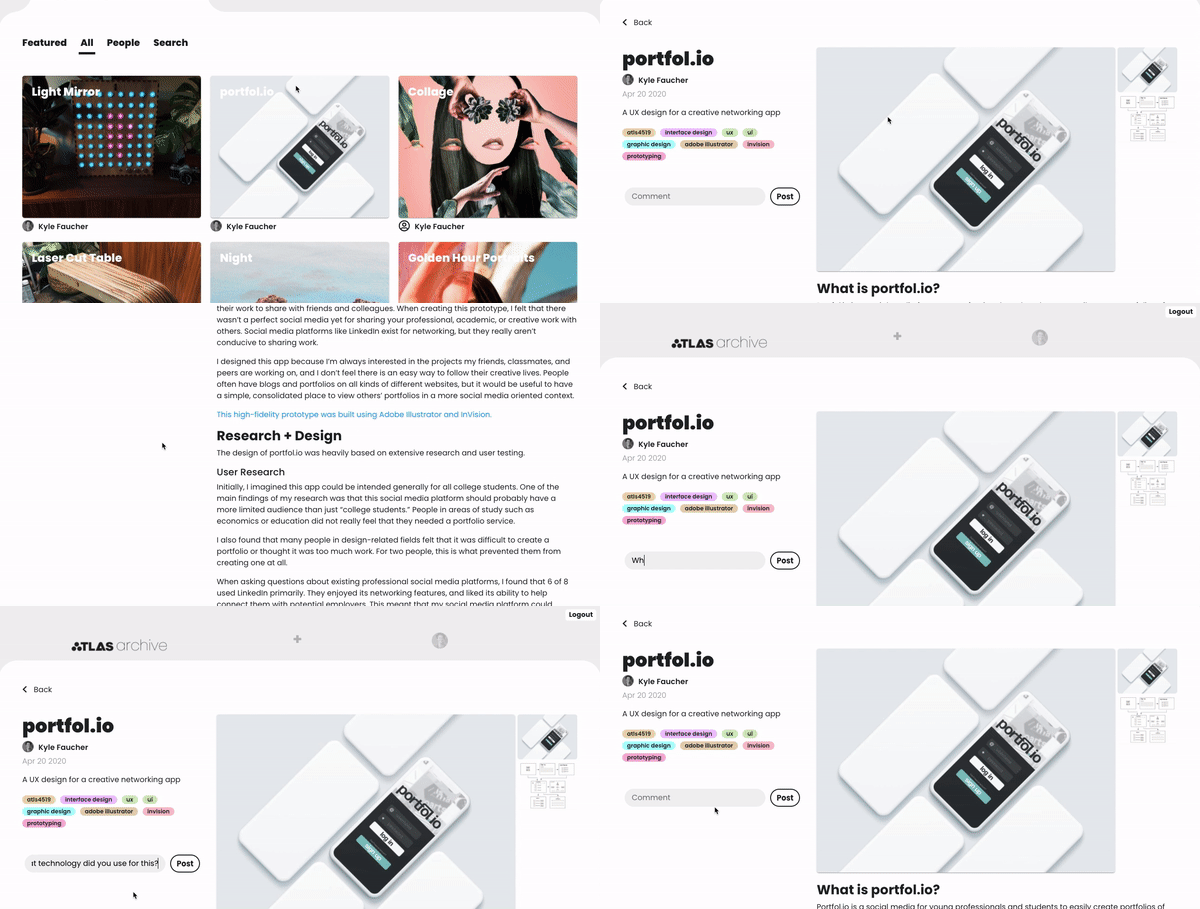
Hovering over an image on the discover page shows a short description of each project.
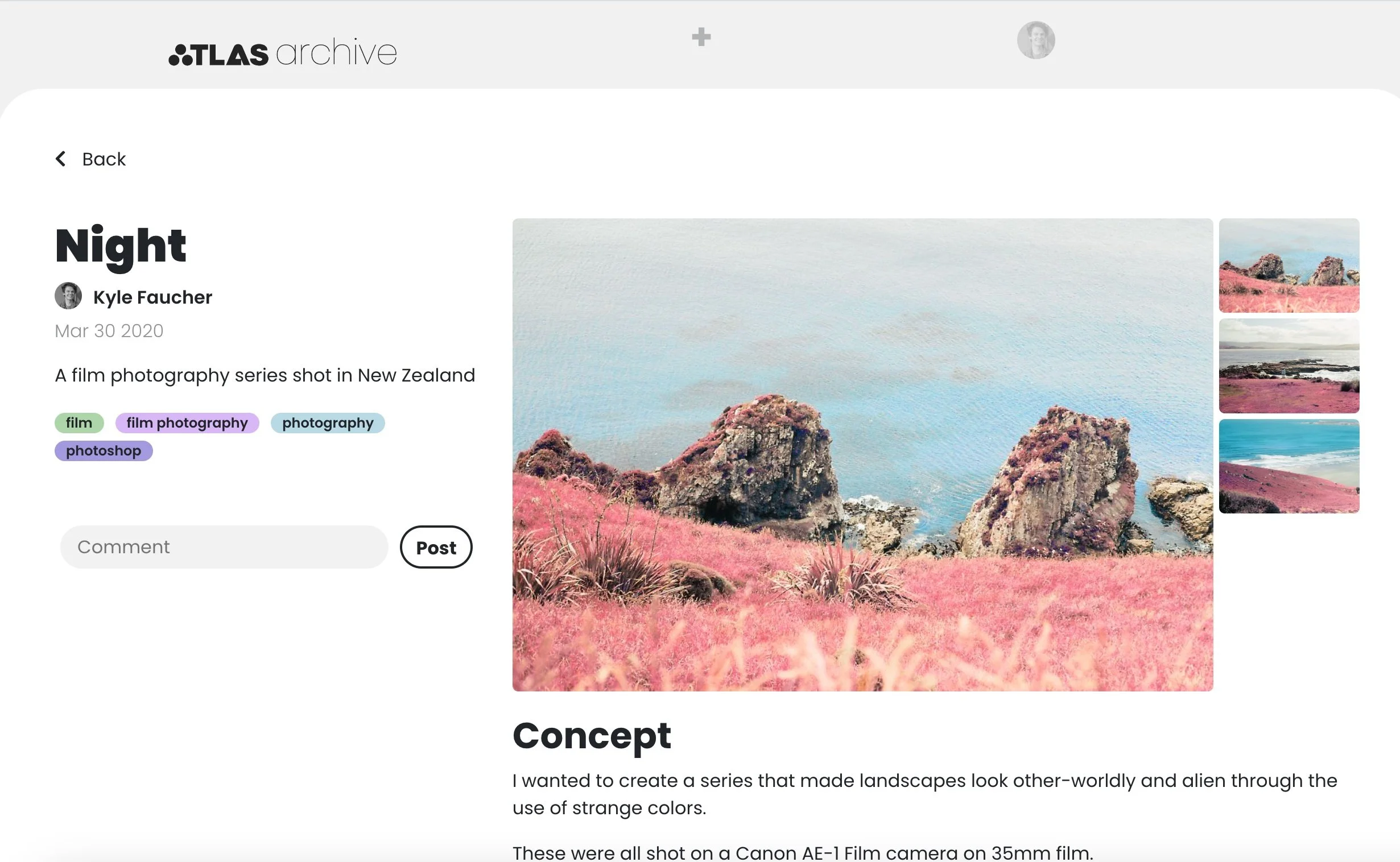
Clicking on a project brings the user to the detailed project page. This is where users can view images, descriptions, and tags associated with a project. Users also have the ability to comment on a project, addressing the user research indicating that a social element would be important on this platform.
Search the Archive
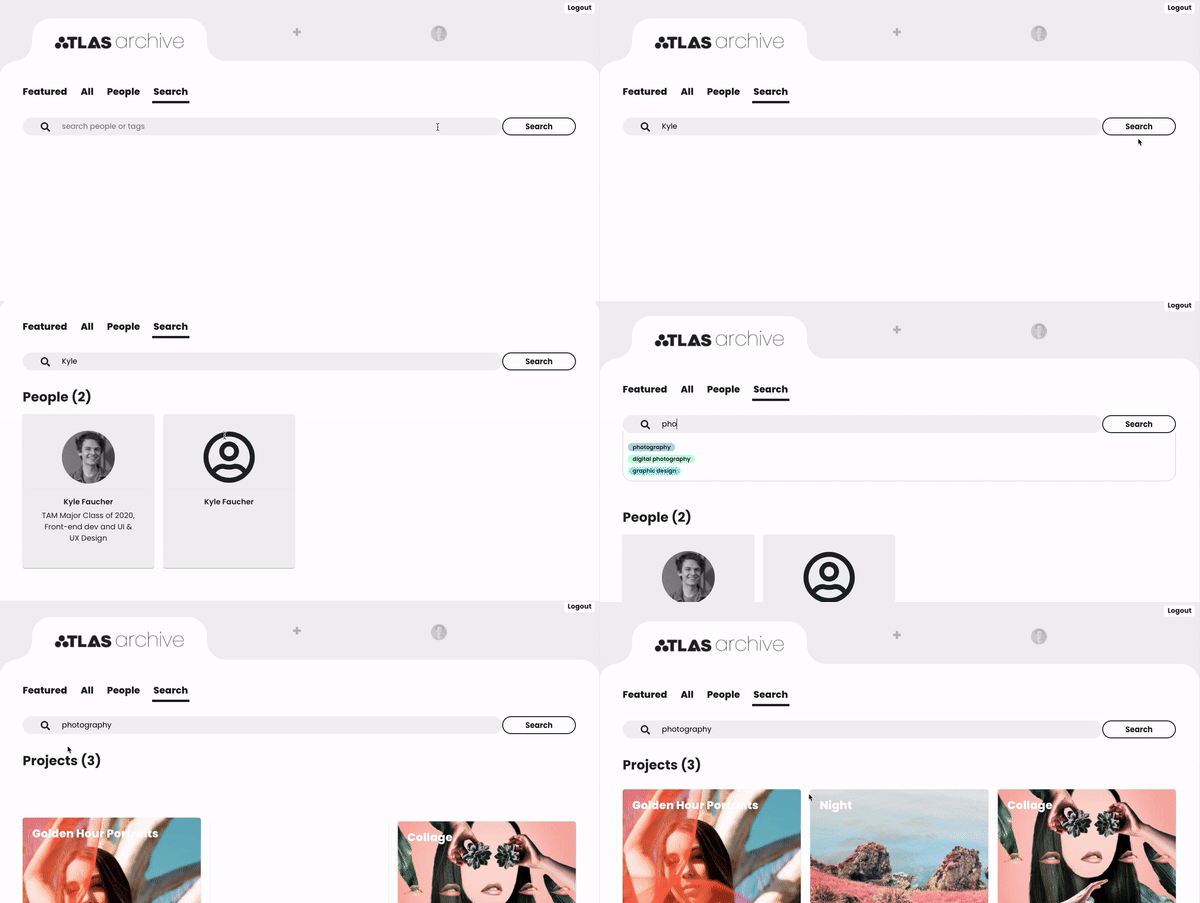
The search feature allows users to search for either projects or people.
As users begin typing, suggestions will show existing tags in the database that have been linked to projects. Tags can indicate medium (photography, game development, etc.) or skills associated with the project (photoshop, C++, fabrication, for example).
The site is divided into 3 tabs to keep the user experience simple and approachable
Discover page
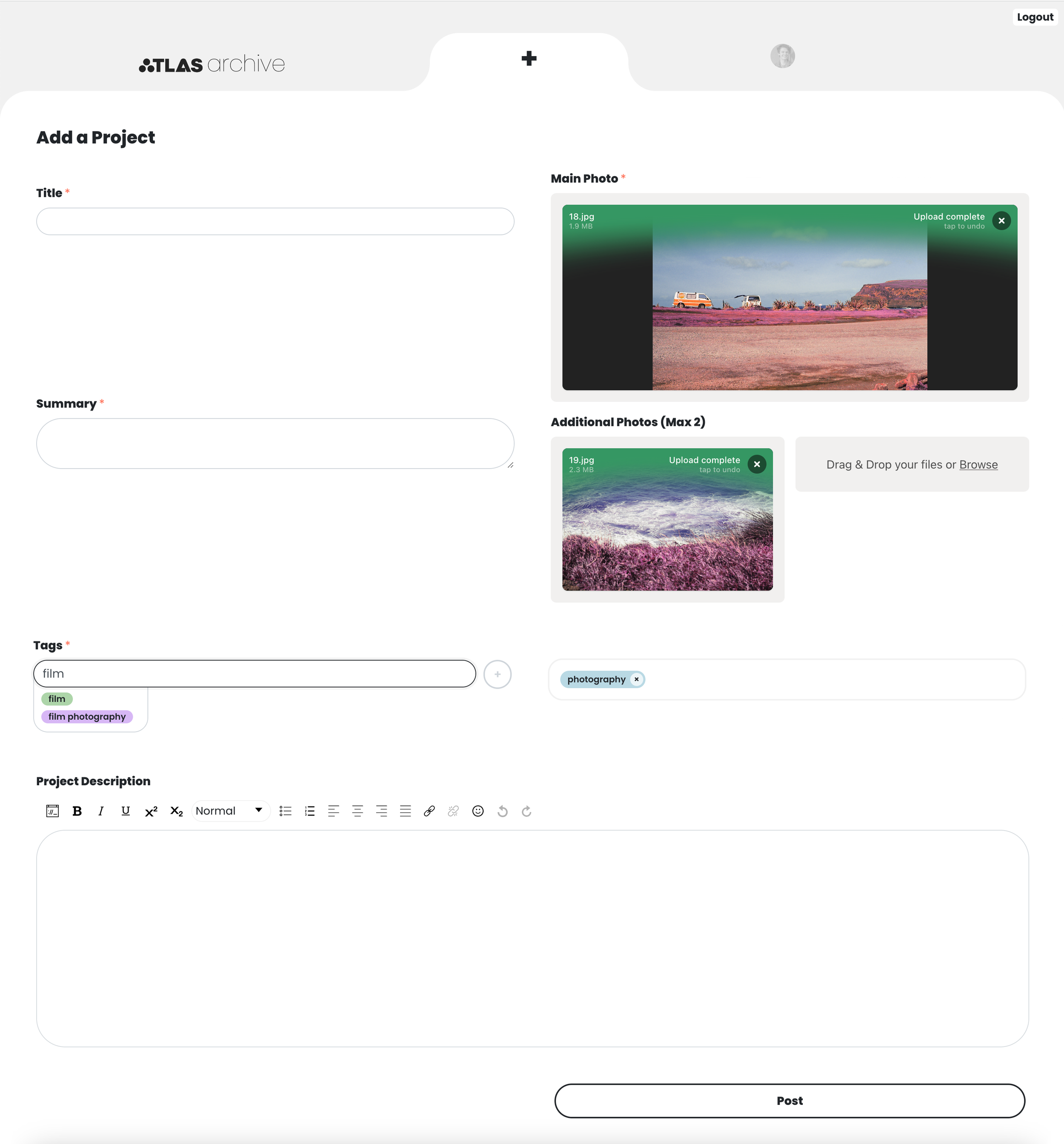
Create a project page
Profile page
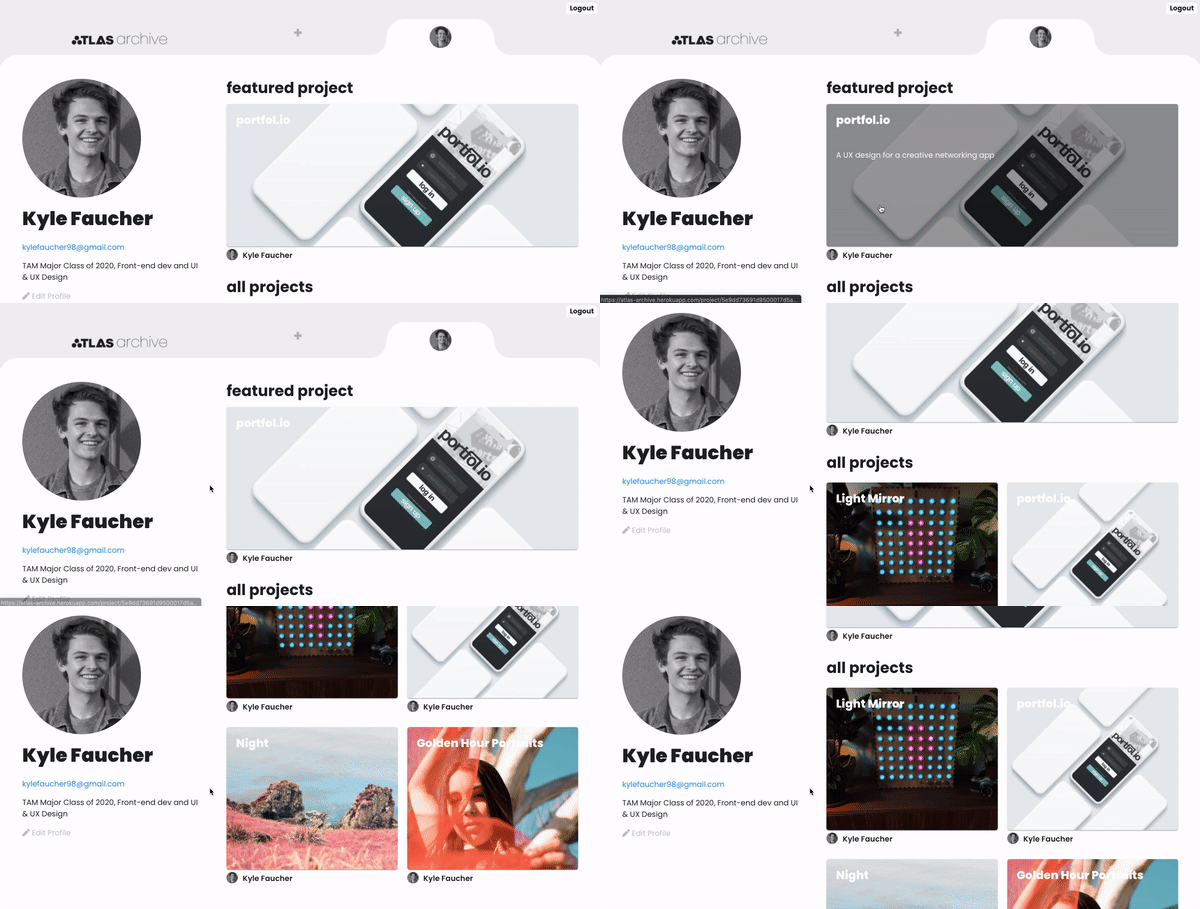
Profile Page
A user’s profile contains all projects they have posted to the archive. Users have the ability to edit their profile information, write a bio, and choose a project to feature at the top of their profile.
View the Atlas Archive repository on GitHub